Accept TPBank Transfers With ApiPay
Connect your TPBank personal, business, or household business account to ApiPay to receive bank transfers automatically, send real-time webhooks, and manage payment requests from one interface.
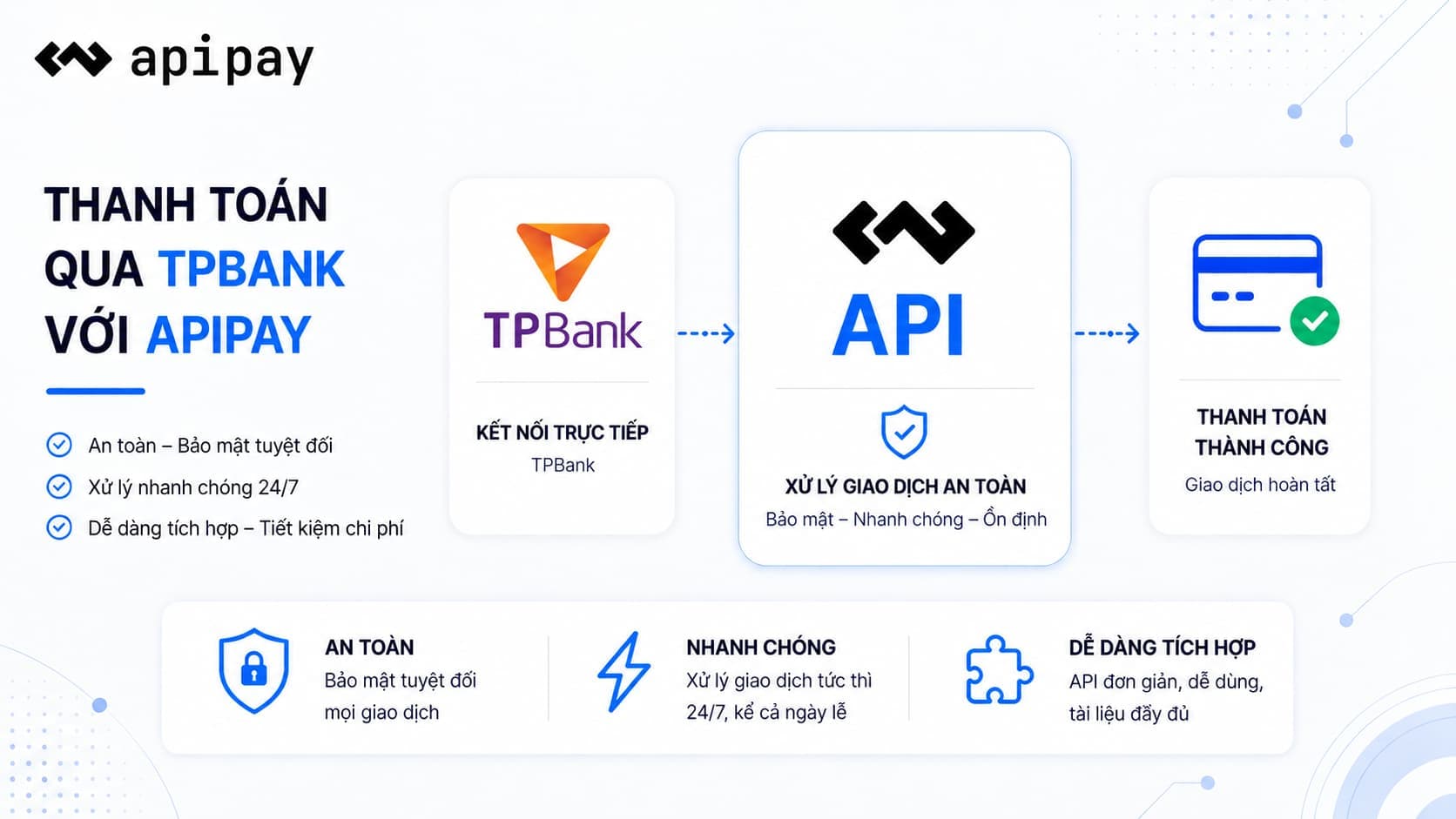
Advanced security
Payment data is encrypted, fully authenticated, and access is managed per API account.
Instant payments
As soon as a customer transfers money, ApiPay sends a transaction event for your system to process.
Clear API
Consistent REST APIs, readable payloads, and ready documentation help technical teams move quickly.
Multi-bank support
Expand from one existing account to multiple banks without changing your payment workflow.
Flexible webhooks
Receive transaction-level webhooks for reconciliation, order updates, or automatic service activation.
Management dashboard
Track linked accounts, payment requests, revenue, and processing status in one place.
An active TPBank personal, business, or household business account that can receive domestic bank transfers.
Confirm the link in the TPBank app (TPBank Connect). ApiPay does not manually activate these accounts.
The virtual account (VA) appears as a sub-account of the original account.
The account holder or business name, account number, linked phone number, and CCCD / tax code.
An ApiPay account with access key and secret key for API calls.
Connect TPBank in Dashboard > Banks. All three account types are confirmed in the TPBank app, with no manual activation.
Create a payment request with TPBank
const auth = Buffer.from('${ACCESS_KEY}:${SECRET_KEY}').toString('base64');

const response = await fetch('https://app.apipay.vn/v1/client/payment-requests', {
  method: 'POST',
  headers: {
    Authorization: `Bearer ${auth}`,
    'Content-Type': 'application/json',
  },
  body: JSON.stringify({
    bankPublicId: 'tpb_public_id',
    amount: 500000,
    content: 'ORDER-TPB-001',
  }),
});

const {data} = await response.json();
console.log(data.payUrl);import base64
import requests
token = base64.b64encode(b'your_access_key:your_secret_key').decode()
response = requests.post(
'https://app.apipay.vn/v1/client/payment-requests',
headers={
'Authorization': f'Bearer {token}',
'Content-Type': 'application/json',
},
json={
'bankPublicId': 'tpb_public_id',
'amount': 500000,
'content': 'ORDER-TPB-001',
},
timeout=30,
)
print(response.json()['data']['payUrl'])Frequently asked questions
Start with TPBank today
Create a free account, connect your bank in the Dashboard, and put bank-transfer payments into production without replacing your current system.