WooCommerce integration
WooCommerce Payments With ApiPay
Add ApiPay to your WordPress/WooCommerce store so customers can pay by Vietnamese bank transfer, with automatic reconciliation and signed order updates.
WooCommerce integration
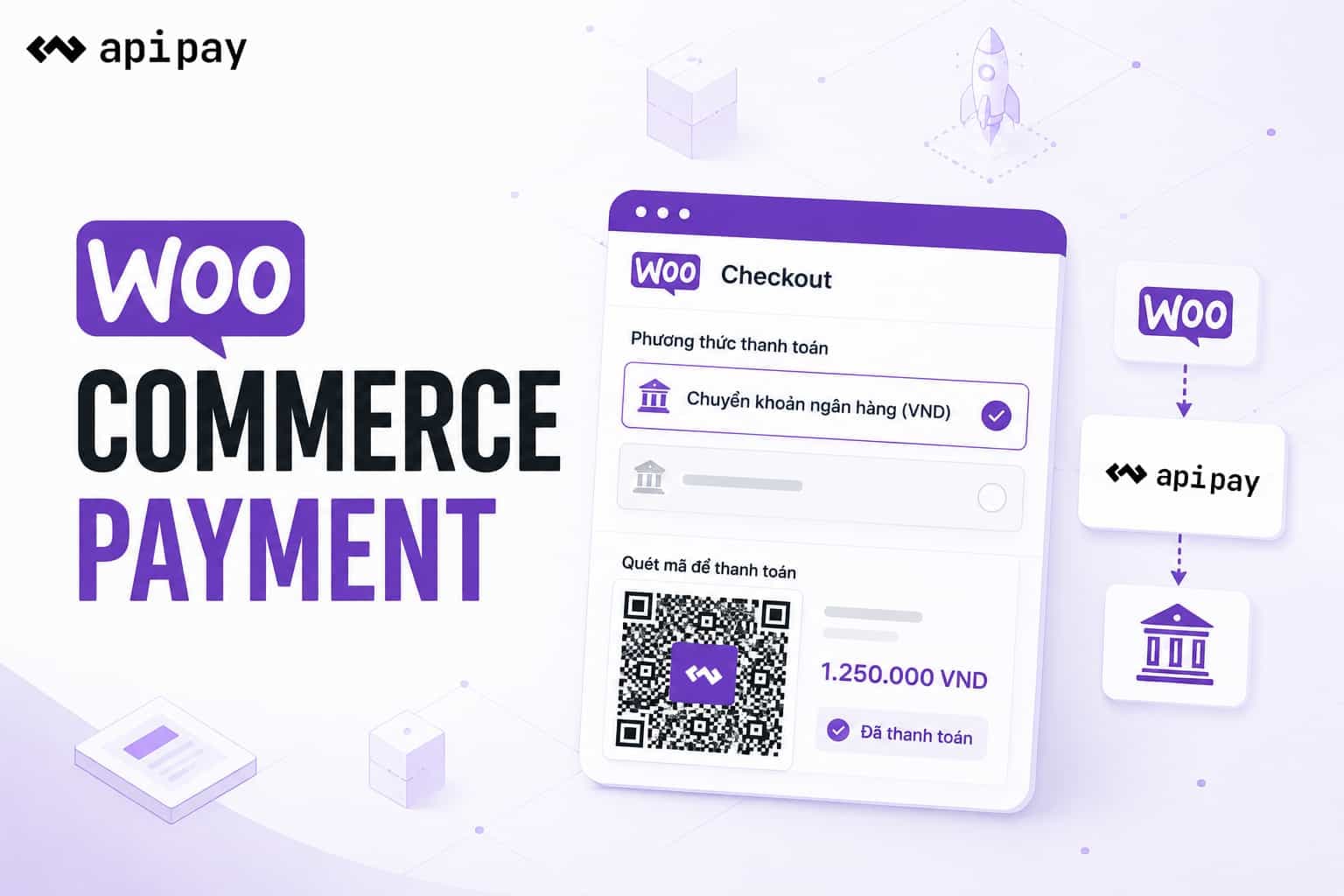
WooCommerce integration features
Prefilled plugin ZIP with API URL, Partner Code, Access Key, and Secret Key
Active bank account selection before plugin download
Verified custom domain support for the ApiPay hosted payment page
ApiPay payment request creation directly from WooCommerce checkout
Support for both classic shortcode checkout and the WooCommerce Checkout Block
HMAC-SHA256 signed IPN callback for secure order updates
Successful VND orders are updated to processing
ApiPay logo included for payment settings and checkout
How it works
01
Download a prefilled plugin
Open the ApiPay Dashboard, go to Integrations > WooCommerce, choose a bank account, and download apipay-woocommerce.zip.
02
Install in WordPress
Upload the ZIP under Plugins > Add New > Upload Plugin, activate ApiPay for WooCommerce, and review payment settings.
03
Update orders automatically
Customers choose ApiPay at checkout, pay on the ApiPay hosted page, and a signed callback updates the WooCommerce order.
Frequently asked questions
Turn on automated WooCommerce bank transfers
Connect WooCommerce with ApiPay so your WordPress store can accept professional VND payments with QR, webhooks, and automatic reconciliation.
Open WooCommerce in Dashboard