Accept MB Bank Transfers With ApiPay
Integrate MB Bank with ApiPay to create bank-transfer checkout pages, receive transaction webhooks as money arrives, and reconcile payments automatically.
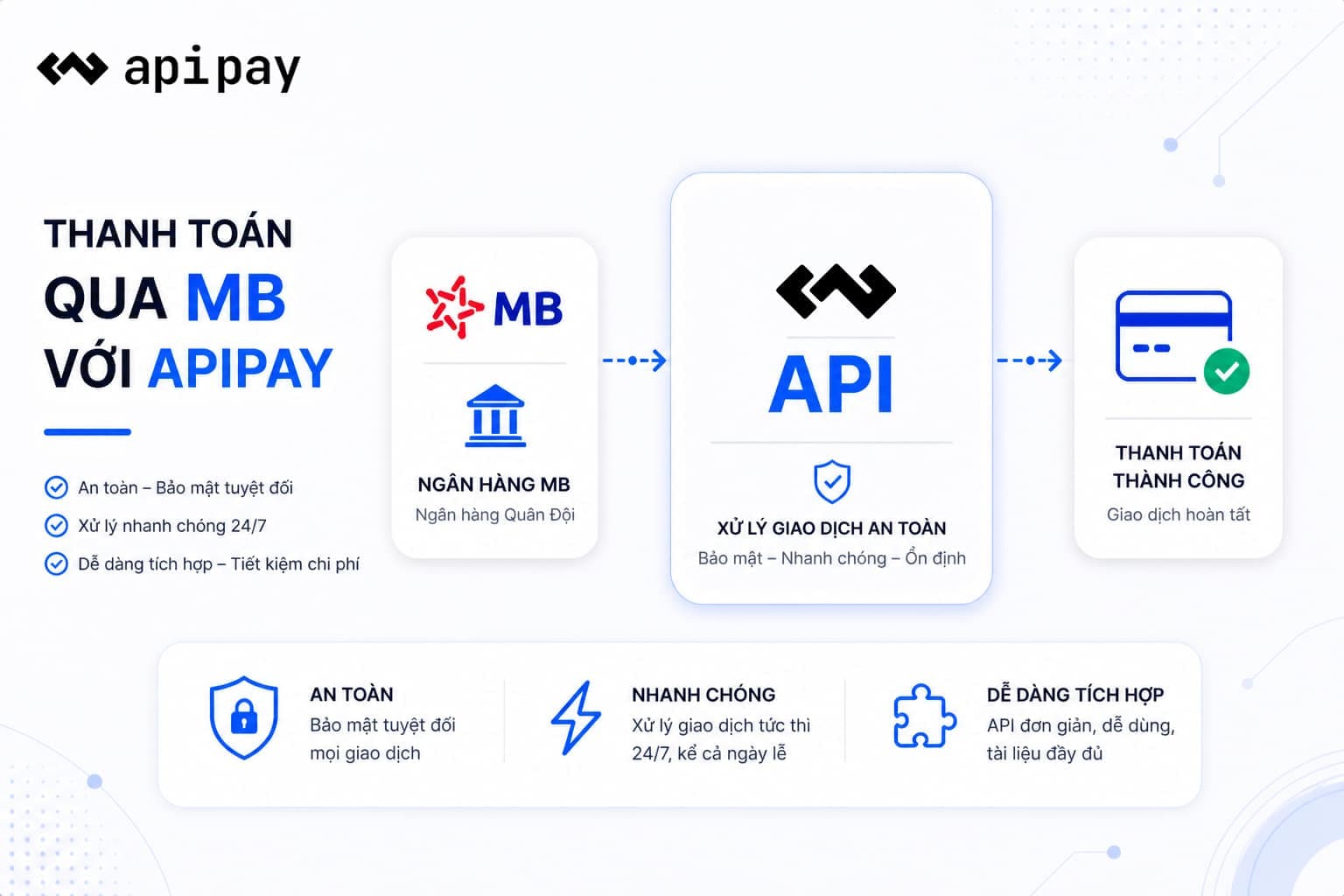
Advanced security
Payment data is encrypted, fully authenticated, and access is managed per API account.
Instant payments
As soon as a customer transfers money, ApiPay sends a transaction event for your system to process.
Clear API
Consistent REST APIs, readable payloads, and ready documentation help technical teams move quickly.
Multi-bank support
Expand from one existing account to multiple banks without changing your payment workflow.
Flexible webhooks
Receive transaction-level webhooks for reconciliation, order updates, or automatic service activation.
Management dashboard
Track linked accounts, payment requests, revenue, and processing status in one place.
An active MB account that can receive domestic bank transfers.
The account holder ID information for the connection step when required.
An ApiPay account with access key and secret key for API calls.
Connect MB in Dashboard > Banks. ApiPay guides each step in the Dashboard so operations teams can complete setup without code.
Create a payment request with MB
const auth = Buffer.from('${ACCESS_KEY}:${SECRET_KEY}').toString('base64');

const response = await fetch('https://app.apipay.vn/v1/client/payment-requests', {
  method: 'POST',
  headers: {
    Authorization: `Bearer ${auth}`,
    'Content-Type': 'application/json',
  },
  body: JSON.stringify({
    bankPublicId: 'mb_public_id',
    amount: 750000,
    content: 'ORDER-MB-001',
  }),
});

const {data} = await response.json();
console.log(data.payUrl);import base64
import requests
token = base64.b64encode(b'your_access_key:your_secret_key').decode()
response = requests.post(
'https://app.apipay.vn/v1/client/payment-requests',
headers={
'Authorization': f'Bearer {token}',
'Content-Type': 'application/json',
},
json={
'bankPublicId': 'mb_public_id',
'amount': 750000,
'content': 'ORDER-MB-001',
},
timeout=30,
)
print(response.json()['data']['payUrl'])Frequently asked questions
Start with MB today
Create a free account, connect your bank in the Dashboard, and put bank-transfer payments into production without replacing your current system.