ApiPay Connect
Bank linking for your customers
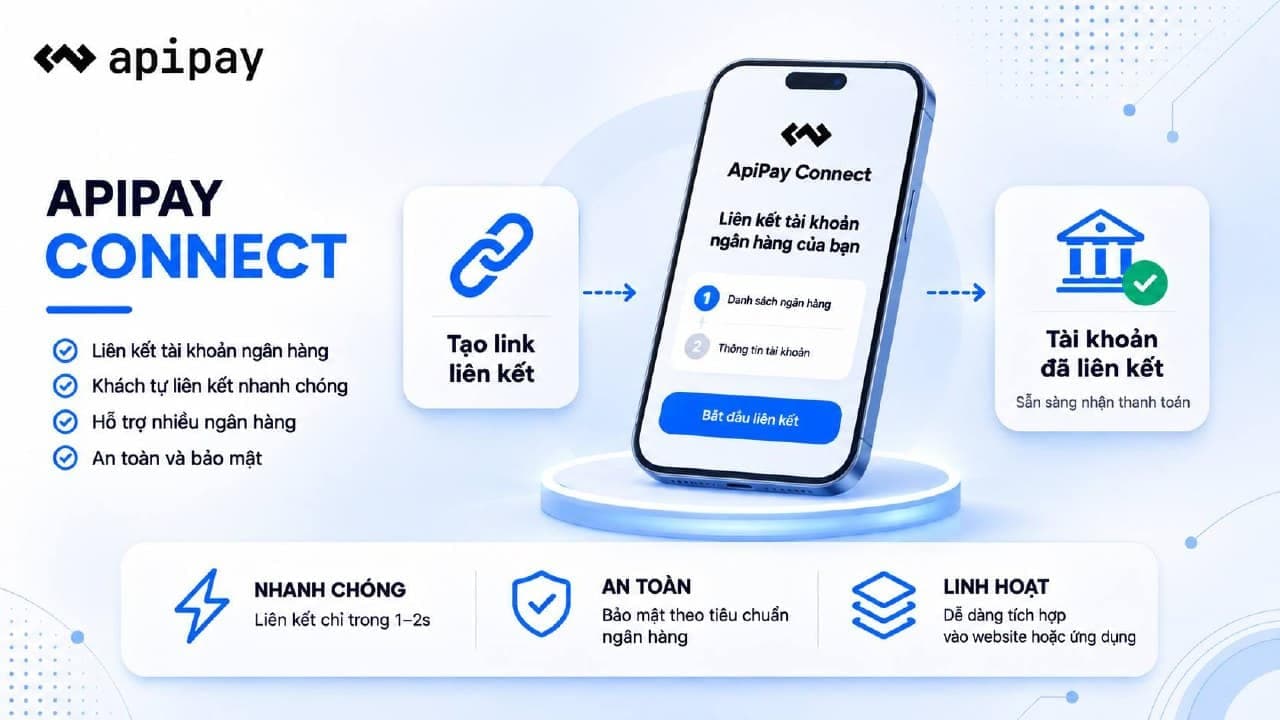
Run a marketplace where every seller gets paid into their own account? Send them one link. They link their bank in a few minutes, and your tech team does nothing.
- Create the link in the Dashboard
- Customers link and confirm themselves
- Know whose money just arrived
ApiPay Connect
No code
Add a customer and create a link from the Dashboard.
Customer confirms
The customer gives consent and confirms by OTP or in their bank app.
API when you need it
Create links for hundreds of sellers automatically with the API.
What you get
Create a link from the Dashboard, no code needed
Send the link or a QR code over Zalo, email, or chat
Customers open an ApiPay page, pick their bank, and confirm themselves
The account shows up in your Banks with a Customer badge
Every transaction webhook carries the customer reference you chose
An API to create links automatically when you have many sellers
How it works
01
Add a customer
Open Banks → ApiPay Connect in the Dashboard, add a customer (say, a seller on your marketplace), and create a link.
02
Customer links their bank
Send the link or QR code. The customer picks a bank, gives consent, then confirms by OTP or in their bank app.
03
Receive transactions
The account appears in Banks with a Customer badge. Transactions reach your webhook, tagged with the customer.
Frequently asked questions
Let customers link their own banks
One link replaces collecting account details by hand.
Start for free